Draw for skin.
Not for the screen.
A drawing app is built for paper. Inkconscious Design is built for the tattoo: the line is as wide as the needle, ink spreads over the years, and the drawing has to sit on a body.
Real needles.
To a tenth of a millimetre.
44 groupings in five families, just like the cartridges in your drawer. The line you draw is as wide as the one the real needle leaves on skin: measured on the app's own engine, not eyeballed.
RL 7
Round liner · The everyday line: clean and solid.
Needles #12 (0.35 mm), slow line at normal pressure, measured on the app's needle bench: real editor, A4 sheet. You can also pick 0.30, 0.25, 0.20 and 0.16 mm needles, and the line scales with them.
Inkconscious Design
The machine,
simulated.
Turn on the simulation and the pen becomes a tattoo machine: voltage, stroke, hand speed and pressure decide how the needle hits the sheet. At low voltage with a fast hand it comes out dotted, at 12 V it is solid.
- Voltage from 4 to 12 V, which become 40 to 172 hits per second.
- Stroke from 1.8 to 4.5 mm, and depth that follows your pressure.
- Blowout alert when you push too deep, and a score for every line: steady pressure, fluidity, tremor.
Inkconscious Design
See the tattoo
ten years from now.
Move the “years on skin” slider, from 0 to 10: the whole sheet ages live. Lines spread, black turns grey-blue, shading fades. You see it before you tattoo, and you can show it to the client.
- Lines really spread: every needle grows by 0.05 mm a year, so an RL 7 goes from 1.16 to 1.65 mm in ten years.
- Shading fades, it doesn't darken, like ink settling into skin.
- Also in the export, in the Portfolio cover and in the selection.
 Fresh
10 years
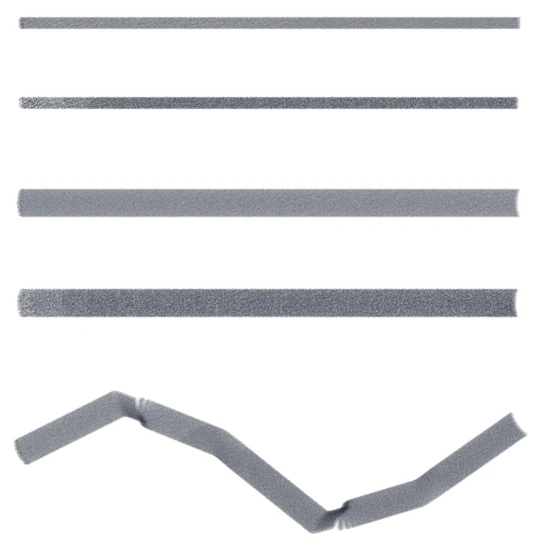
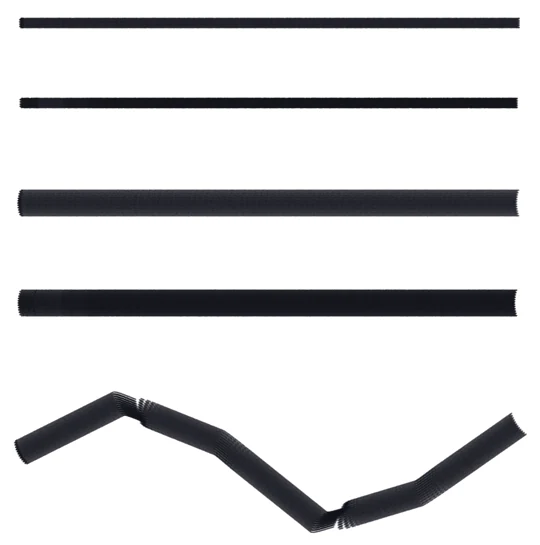
Real strokes from the app: MG 9 and RM 23, slow, fast and on a curve. Drag to compare.
Inkconscious Design
From sketch to stencil.
In two taps.
Three ways, depending on the job: by hand and free, with AI while you keep drawing, or made to measure for an arm or a leg. Then you print it at true size.
Start from a photo or your drawing.
Import the client's reference with Image, or work on what you drew. The stencil always starts from the selected image on the sheet.
By hand, free. Or with AI.
By hand: choose Basic, Outlines, Realism or Colour, clean up the dots, set line thickness and grey zones, and watch the result live. It lands on a new Stencil layer, exactly over the photo. With AI: quick draft or final drawing, thin, medium or bold lines, lines only or with shading.
Made to measure for the body.
Enter the real size of the design and the circumferences you took with the tape at different heights: the app unrolls the stencil onto paper so it closes exactly around the arm, within 0.3 cm.
Print at true size.
PNG, JPG or PDF, A4, A3 or A2, mirrored if you need it. Or “Export sheets”: the design split into A4 pages with a black-and-white threshold for the thermal printer.
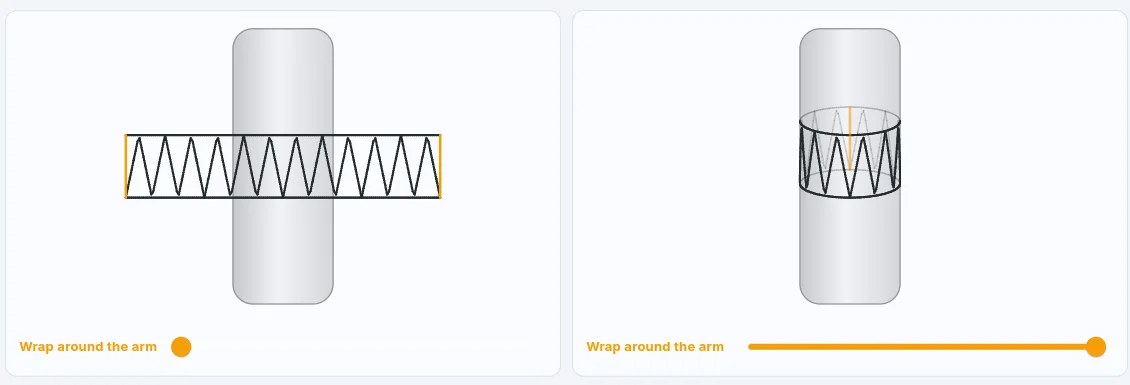
Inkconscious Design
Every brush has a job.
Brushes chosen for tattoo styles, from fine line to Japanese, with the pressure and tilt of Apple Pencil and of pens on Android tablets. And if you have your own set, you import it and adjust it in Brush Studio.



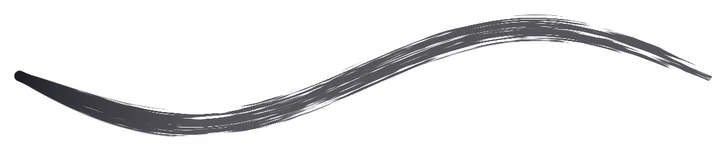

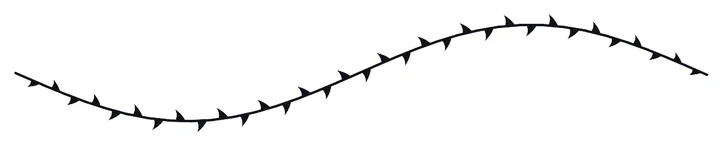

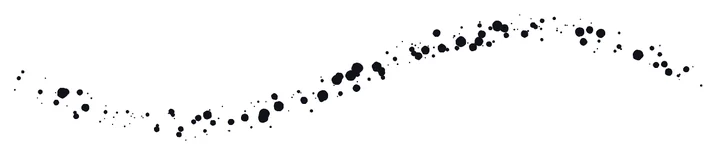







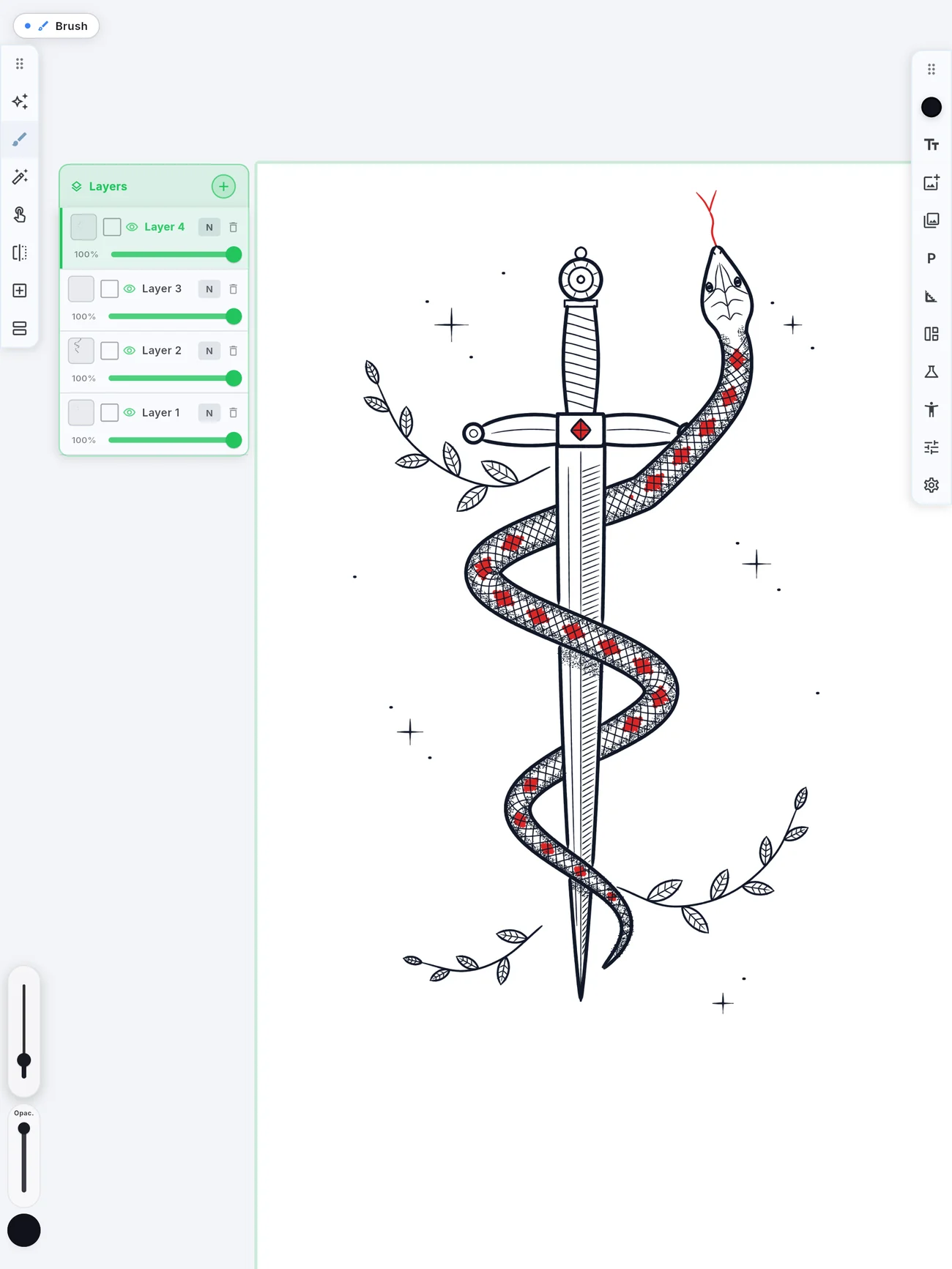
Real strokes from the app, all with the same S curve and pressure going from light to heavy and back. Plus eraser, text, quick shapes when you hold, and vertical, horizontal and radial symmetry for mandalas.
Inkconscious Design
Try it on a body
before it goes on skin.
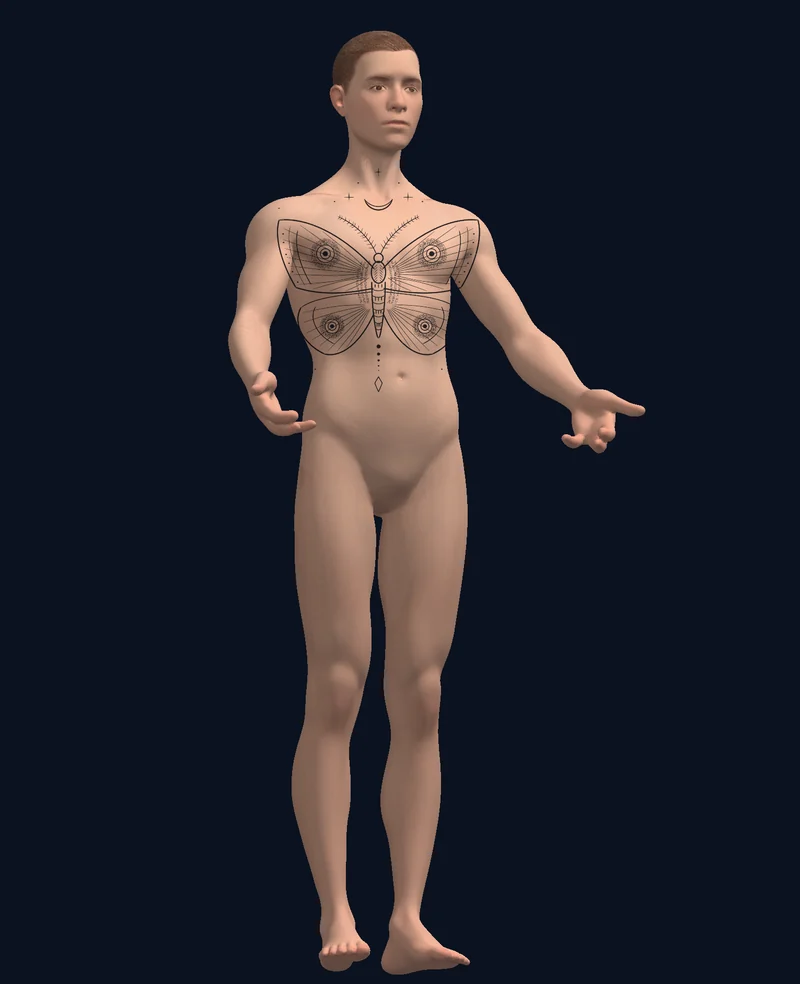
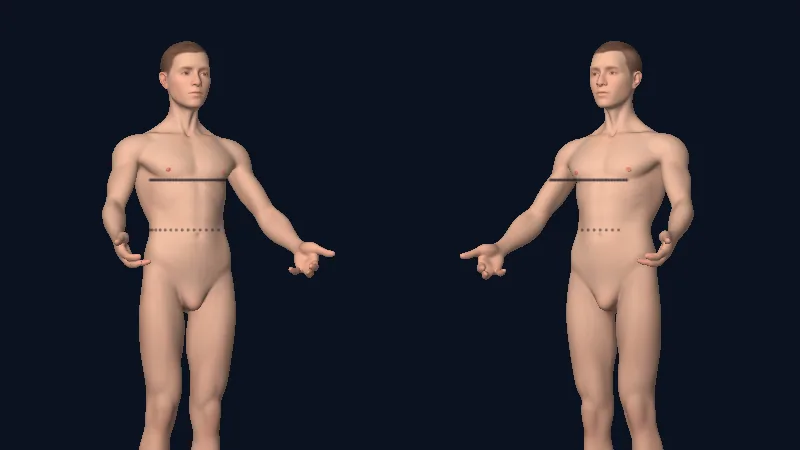
A smooth 3D mannequin, neutral or female body, that you turn with a finger. Draw straight on the skin with pen, marker and needles: the line stays on the body as you turn it.
- Pose it with Articulate: elbows, knees and 17 joints, then Reset pose.
- Wrap a photo of the design around the body: it stays there when you reopen.
- Like a real sheet: Pencil pressure, palm ignored, two fingers undo, three redo. On iPad, Android and in the browser.
Inkconscious Design
A tattoo school,
inside the app.
A 47-page book in six stages. Every page explains, shows and then tests you: a tracing with a score, questions, or the simulated machine with missions per needle and voltage.
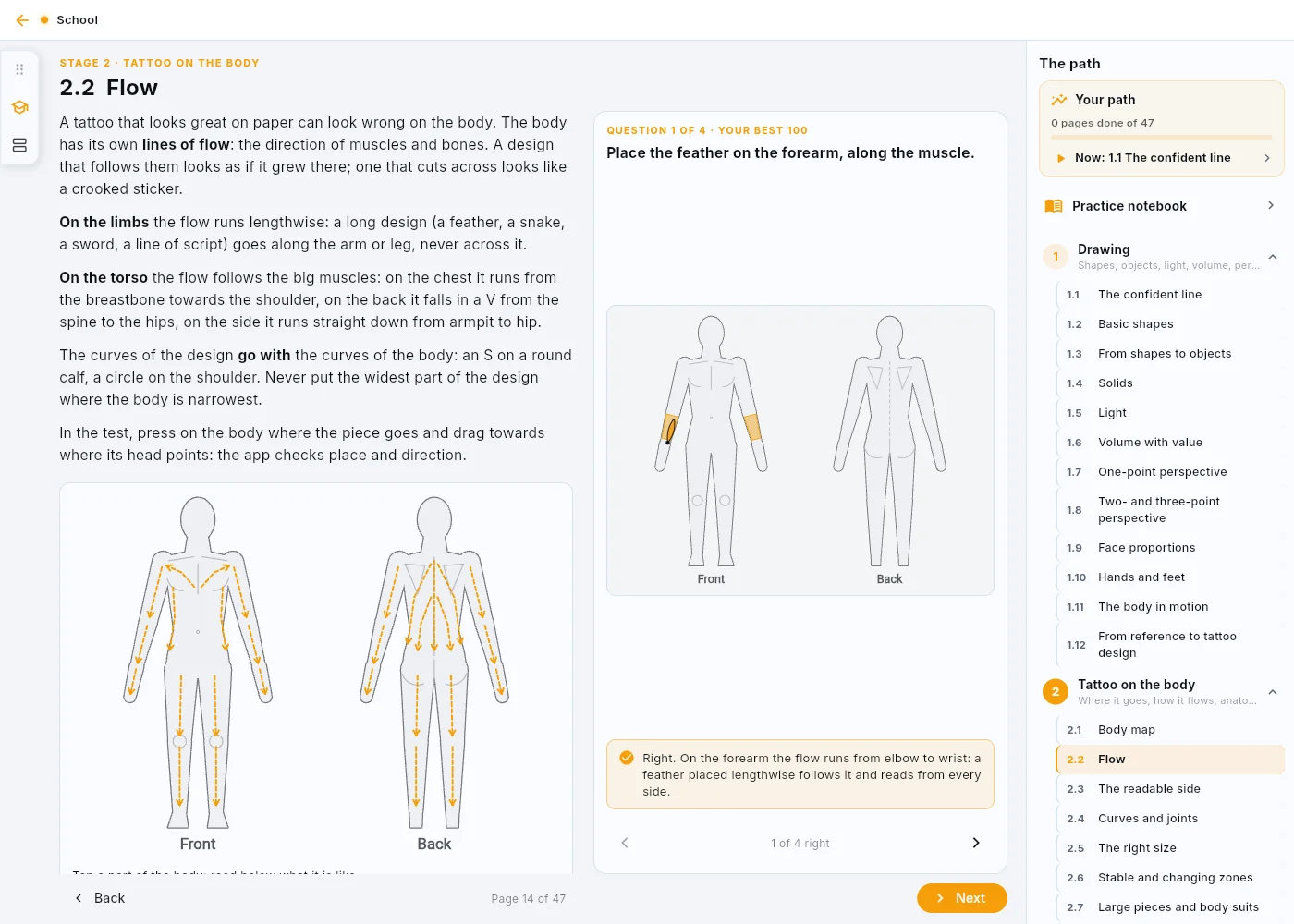
Plus the training Notebook, the AI Coach on free drawing and “Your path”: what to do now, what to redo, where you're strong.
On its own, for artists who only draw. The full editor, the AI tools, the school. Already included in both Studio plans.
14 days freeDo you run a studio? Design is included in Inkconscious Studio. See the Studio plans
Prices for a direct subscription (web, Windows, Android from our site). In the App Store and Google Play apps the price includes the store's commission and you see it before you pay.
Start today.
In the browser it opens right away, on Android you can install the APK. App Store and Google Play are on the way.
Inkconscious Design
Tattoo drawingB2B software for tattoo studios and artists: you need an InkConscious studio account. It is not an app for clients booking a tattoo.